Rover P6 Cars Website – UI/UX Case Study

Rover P6 Cars Website - UI/UX Case Study

Role: UI/UX Designer
Product: Website
Timeline: Jan - Feb 2022
Tools: Adobe XD, Photoshop

*Disclaimer: (Unsolicited) This project was part of a BCIT school project.

Pain Points

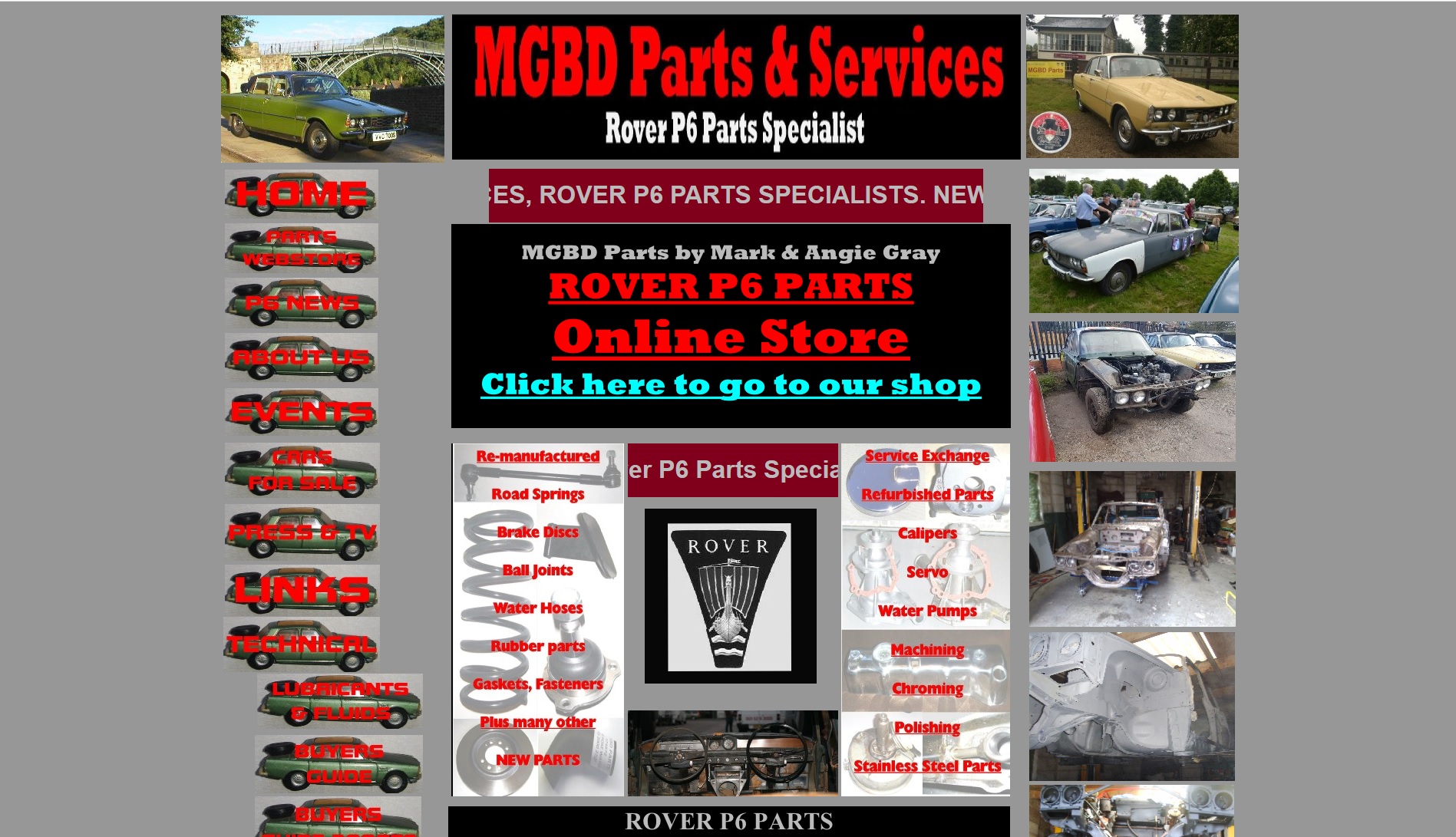
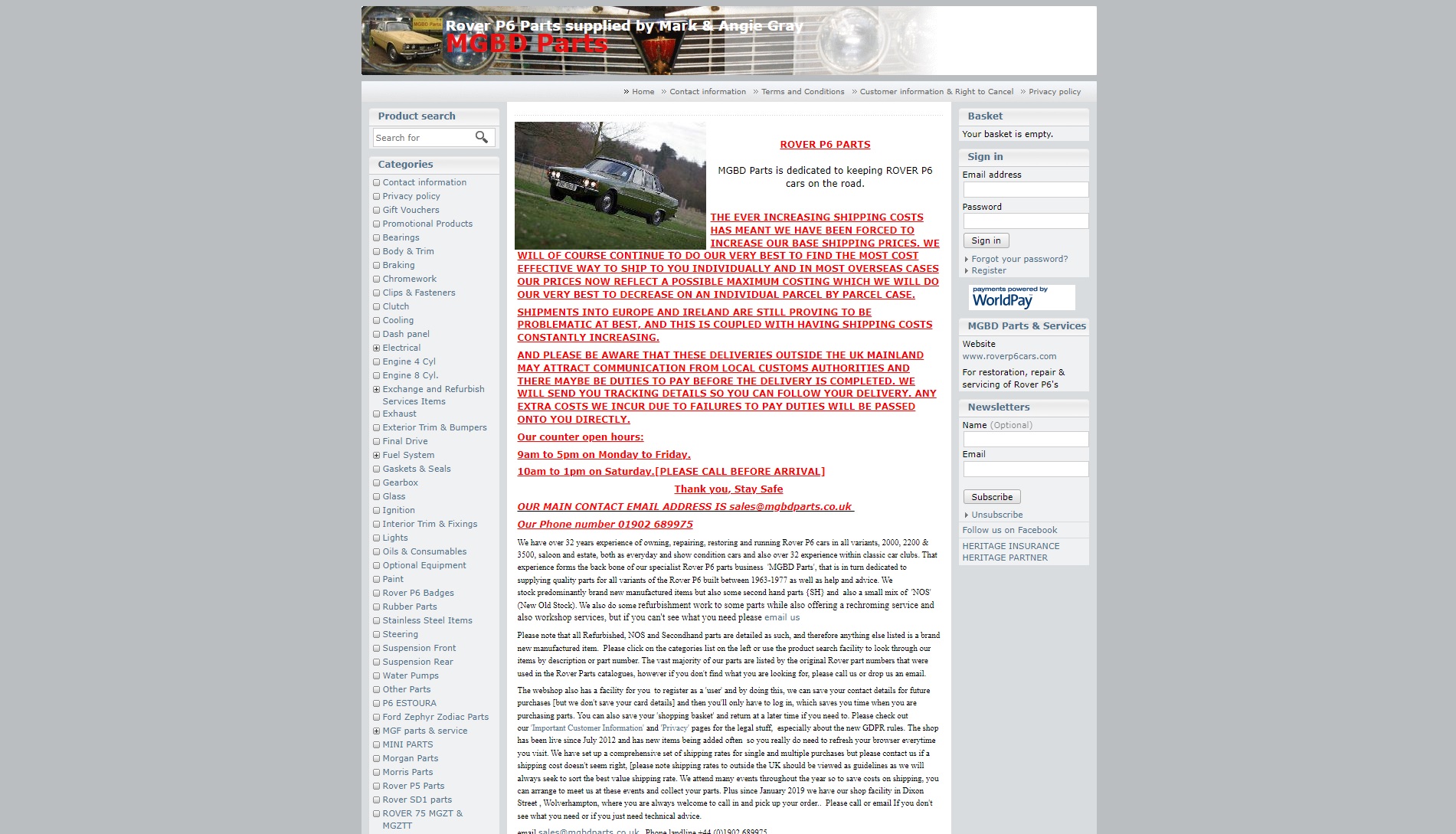
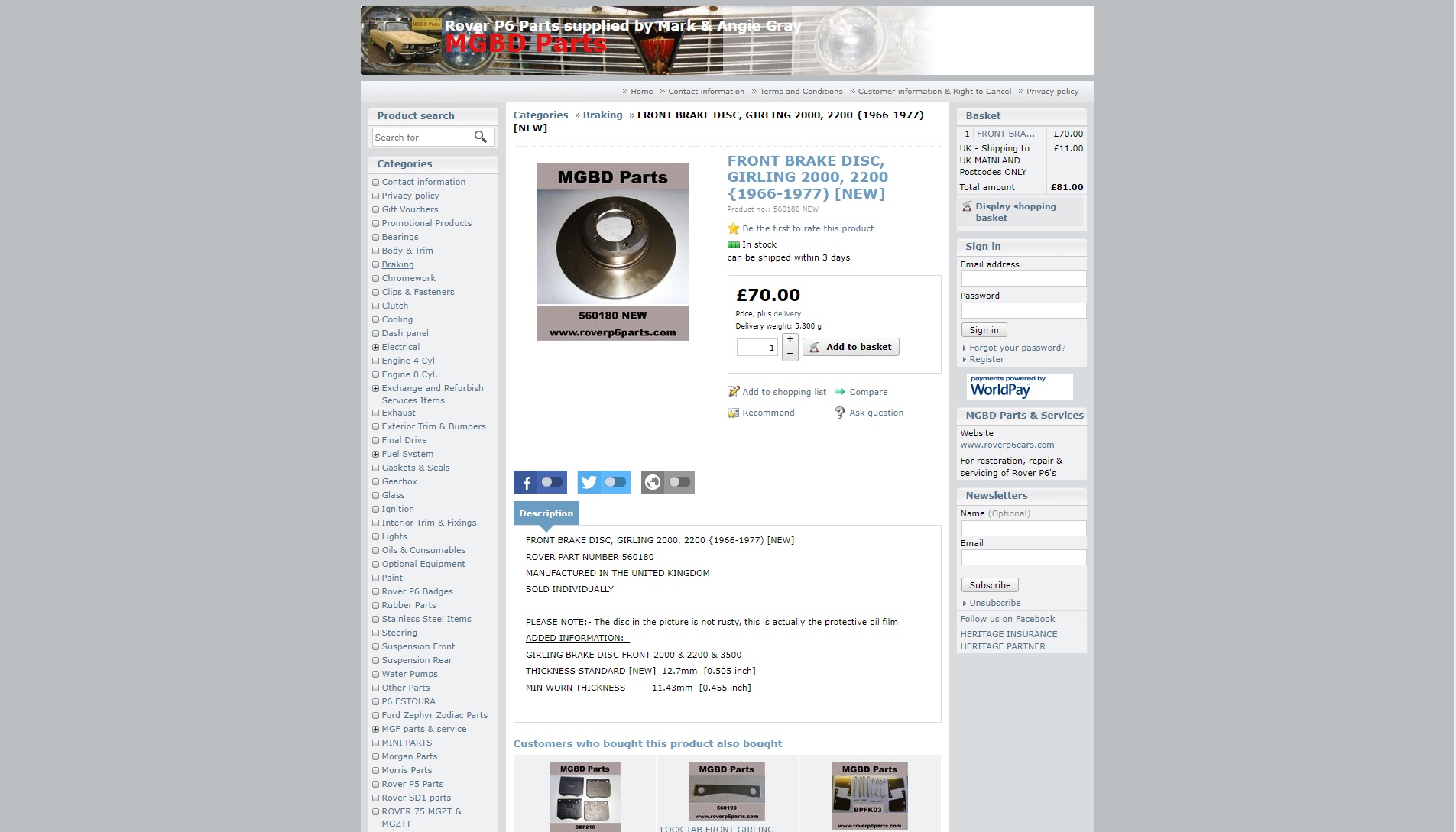
Through a combination of in-depth website analysis and user journey map, I discovered several issues with Rover P6 Parts website. The biggest issues that I noted were:
1. Outdated Aesthetics
2. Lack of Hierarchy and Unclear Navigation
3. Lack of Payment and Currency Options

Solutions

Based on the research and user feedbacks, I redesigned the website to provide updated aesthetics while still maintaining natural flow of the website and ensuring ease of use for users.

Process

Empathize

Understand the target user and their needs

Define

Conduct research and identify the pain points and needs of the user

Ideate

Identify solutions to pain point areas and create sketches or wireframes

Prototype

Refine sketches or wireframes into high-fidelity prototypes

Test

Evaluate prototypes through the use of InVision

Persona

Through our initial research we had the chance to better understand  the website and its overall structure. Next, I created an archetype that best represent the websites target audience and from this I created an ideal user.

Journey Map

After creating the persona and user scenario, I then proceeded to create a journey map that outlines the whole interaction process between the users and the website, as the user tries to accomplish the set scenario.

Wireframes

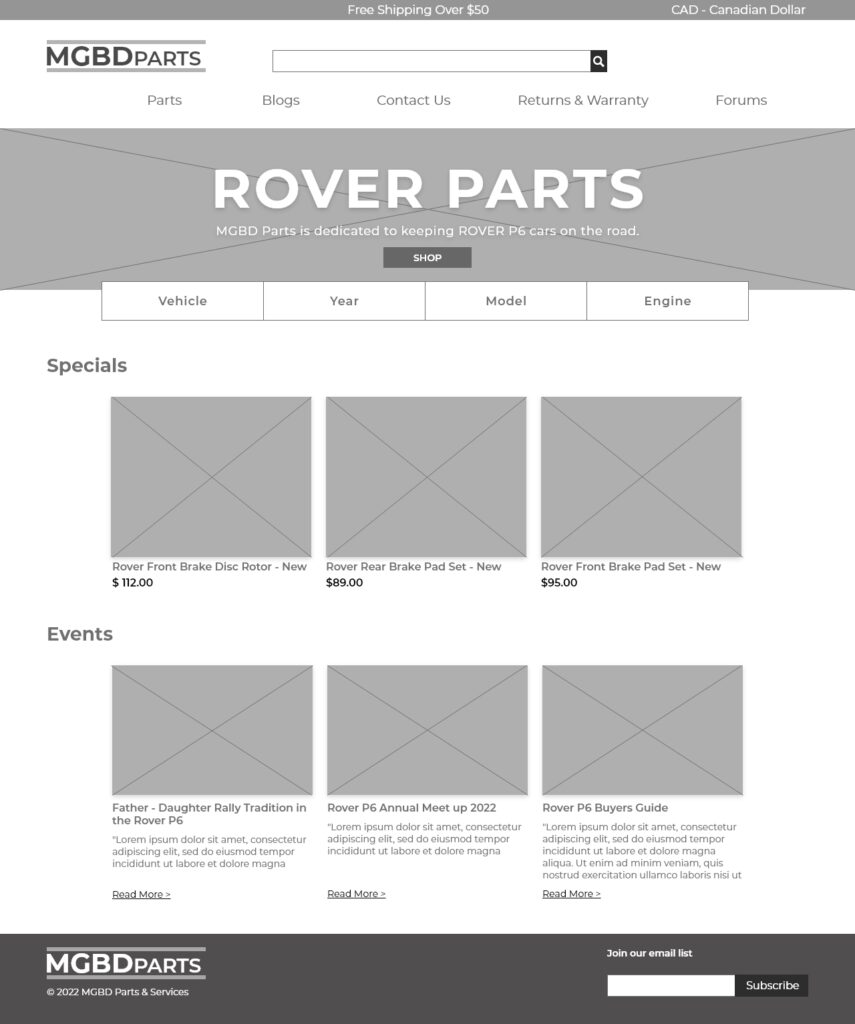
Having identified a list of pain points through the journey map. I then proceeded to the
third stage of generating ideas that can help address various issues that users encounter.
This includes coming up with various wireframes that would hopefully create a solution in
an innovative way

Redesign

After analysing the current website and creating low-fidelity wireframes, I then made further
refinements to those mockups by taking into account - suggestions, design principles, and
the laws of UX to finally presenting a proposed high-fidelity mockup design.

Feedback

Some important feedbacks that were provided by other students:

1. Include an option to Edit Cart or exit the popup overlay to continue shopping
2. Include social media links on the top left corner of the page
3. Include bread crumbs to better help users navigate

Reflection

I found this case study to be very informative and learned many new skills
along the way. The most important of which would be the journey map and the usability
testing. Journey map gave me a deep understanding of the importance in understanding
potential users - their processes and pain points. In addition, it was my first time doing
usability testing and I found the process to be very important and informative in helping
me create better user-centric prototypes.

Comments are closed.